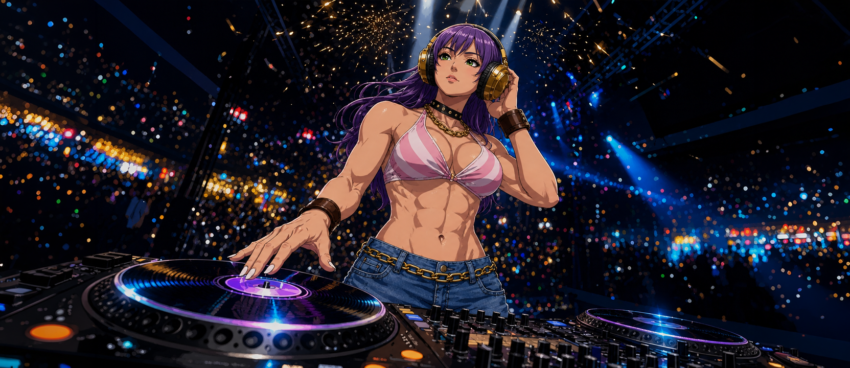
I prefer photos and videos in a 16:9 landscape format (1,920 × 1,080) because they display well on mobile devices, computer monitors, and televisions.
On 3 February 2026, I tried the image-to-video feature in OpenAI’s now-discontinued Sora for the first time, generating several 2:3 portrait videos (720 × 1,080) from a protype image of Luna Saengchan. The results were decent.
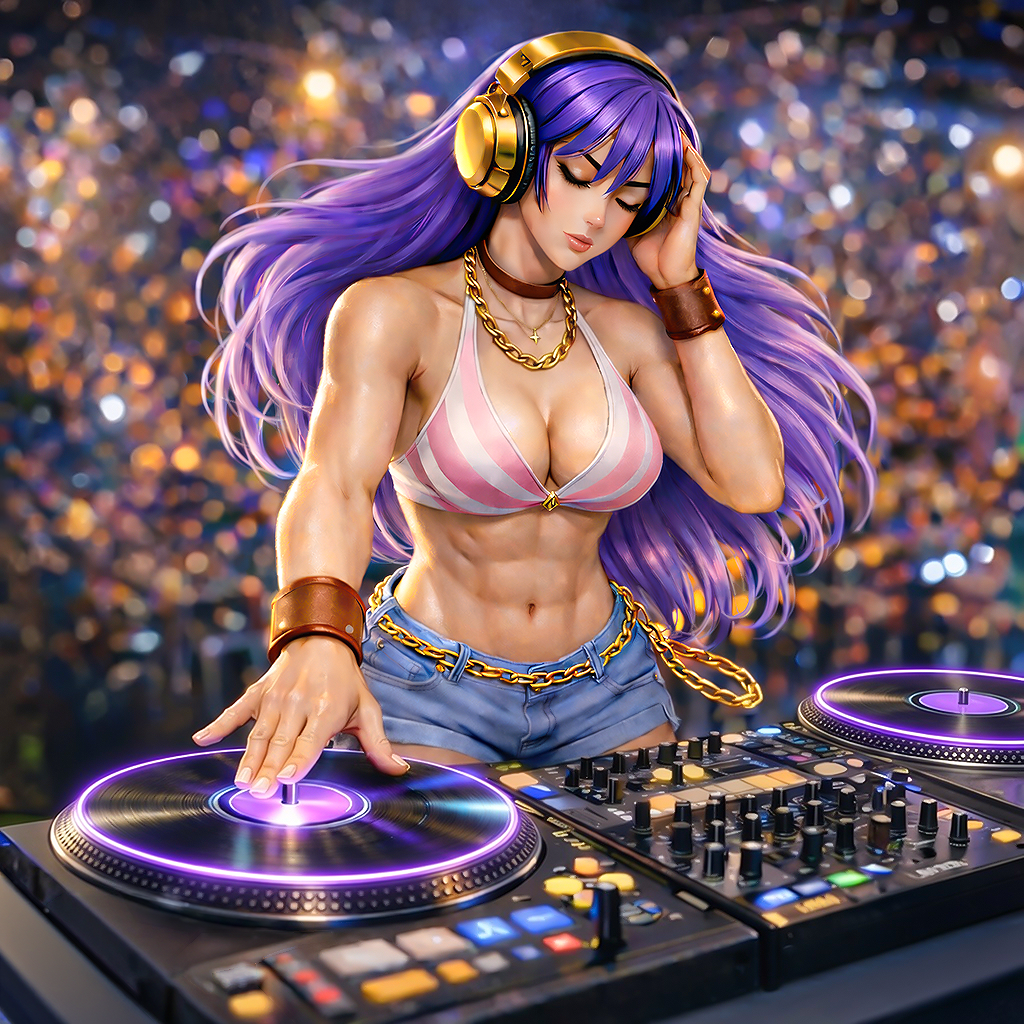
I then decided to make a short intro video of her, so I switched to 16:9, but the results were consistently horrible. They contained too many AI slop elements and artifacts to be considered usable, despite using the exact same prompt. Since the subscription cost money, I chose to use the portrait versions and compile them into a 40-second video rather than waste them with nothing to show.
This post documents only some of my methods for handling portrait videos. Other aspects, such as trimming, selecting visuals from each clip, synchronising them with the music and organising the sequence, are not included because every video requires a different editing approach.
Time-stretch
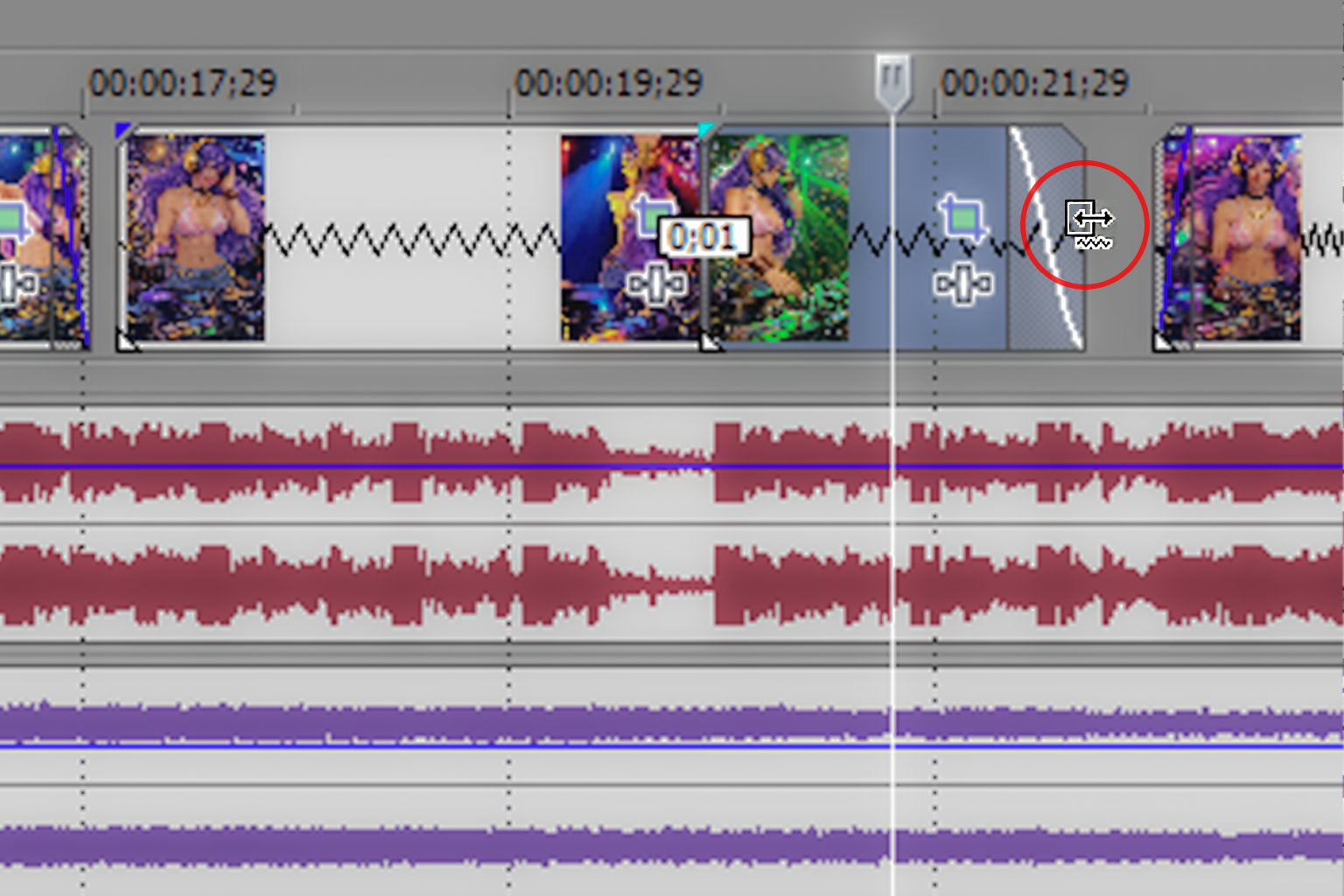
Sora does not generate videos at equal speeds; some videos are slower than others despite having the same length. To resolve this, I select a clip, hold “Ctrl” while hovering over its left or right edge, then drag inward to speed it up or outward to slow it down once the zigzag icon appears.
Cropping
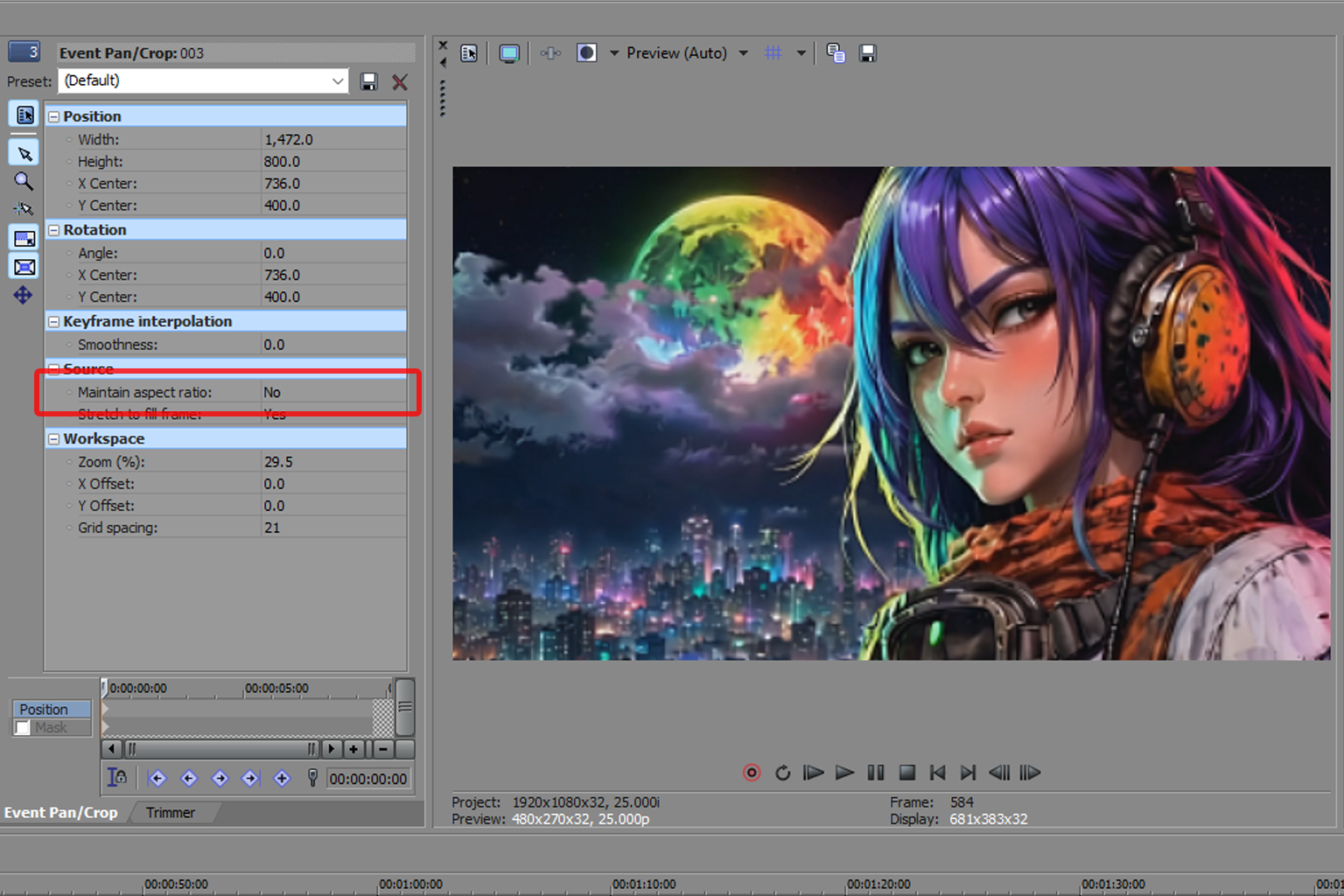
Grok’s 16:9 videos are usually close to 16:9 but not exact, causing slight black borders at the top and bottom of the preview panel. To remove them, I select the clip, open the “Event Pan/Crop” panel through the “Crop” icon, and change “Maintain Aspect Ratio” from “Yes” to “No”.
In every case so far, the result has shown no obvious distortion or stretching.
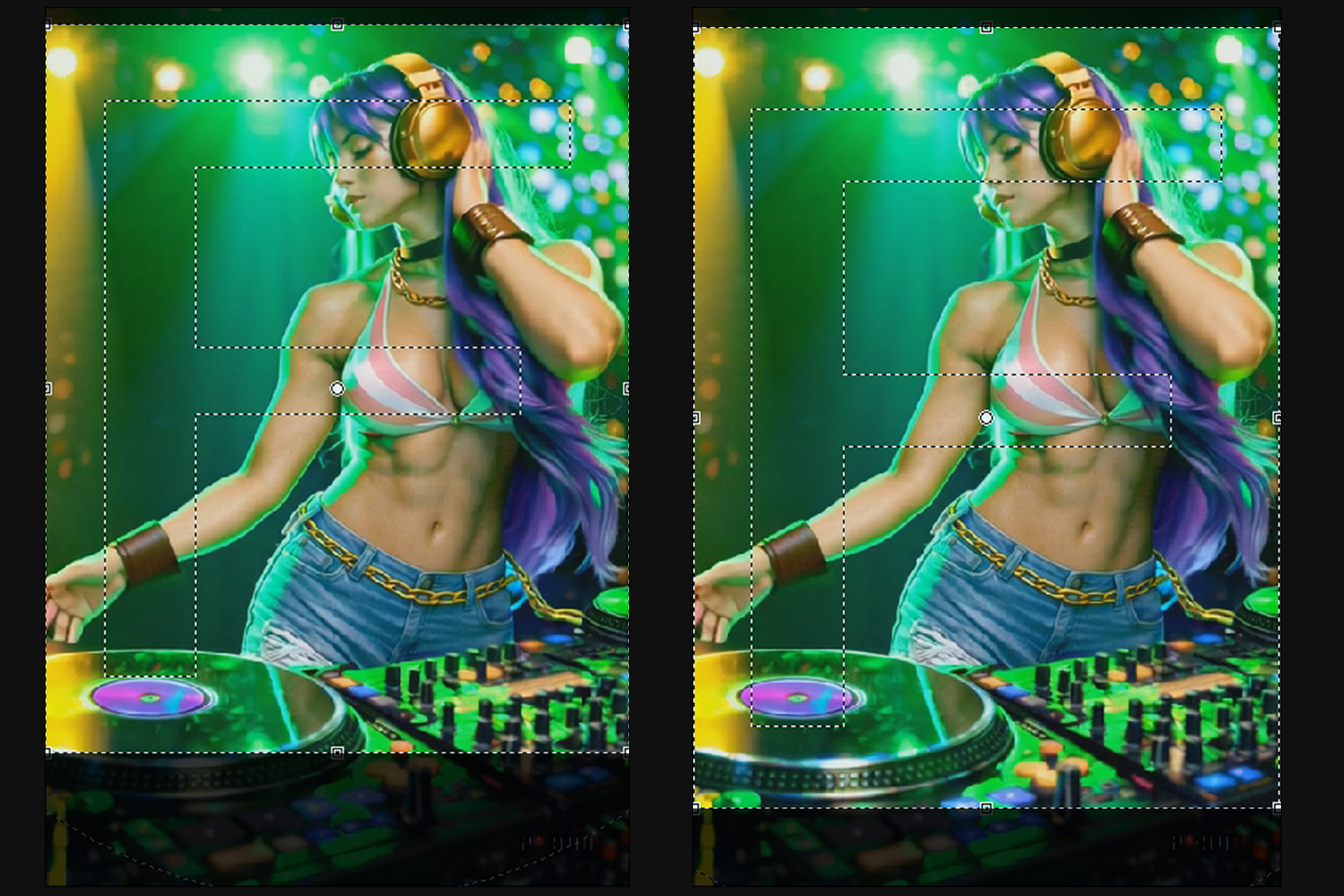
However, I could not apply the same method to the portrait videos because I prefer 3:4 (1,080 × 1,440), not 2:3, and doing so would crop a large portion of the visuals.
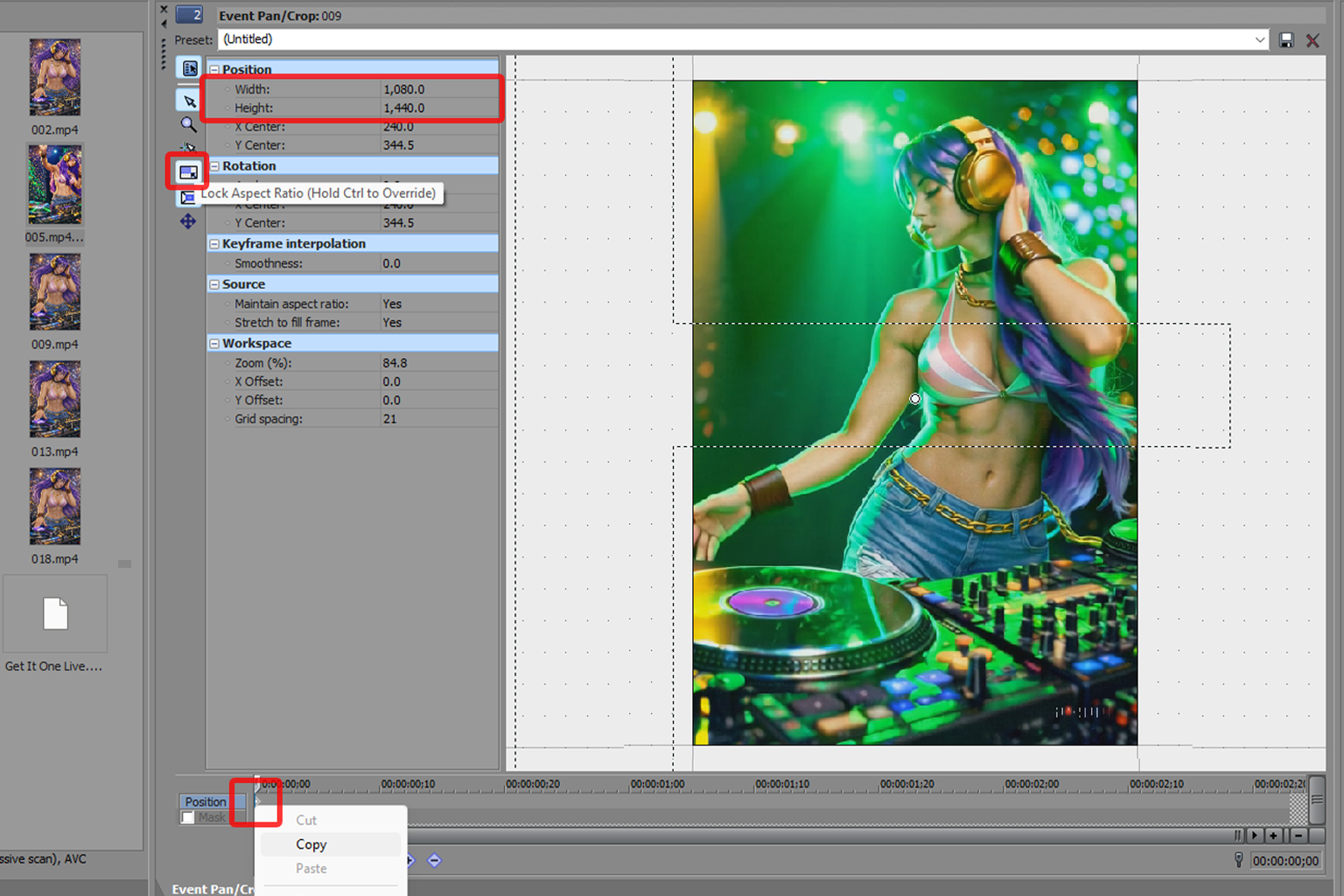
To salvage some of the missing visuals while also cropping out the unremovable Sora watermark, I first deselected “Lock Aspect Ratio” on the toolbar and set the width to 1,080 and the height to 1,440. I then reselected “Lock Aspect Ratio” and dragged a corner handle of the selection box until the video fit the frame accordingly. Once done, I copied and pasted the keyframe onto the other clips. Since all the videos had the same dimensions, doing so duplicated all the settings within the “Event Pan/Crop” panel.
As a personal note, right-clicking a clip, selecting “Copy”, then using “Paste Event Attributes” on the others would mess up the entire project because each clip had different time-stretch settings.
Render As
I make videos as a hobby without monetizing or promoting them, hoping they may one day serve as an extension of my portfolio. If people like my work, I am grateful; otherwise, I remain satisfied with the learning journey. That said, I do not understand the technical aspects of codecs or the differences between them.
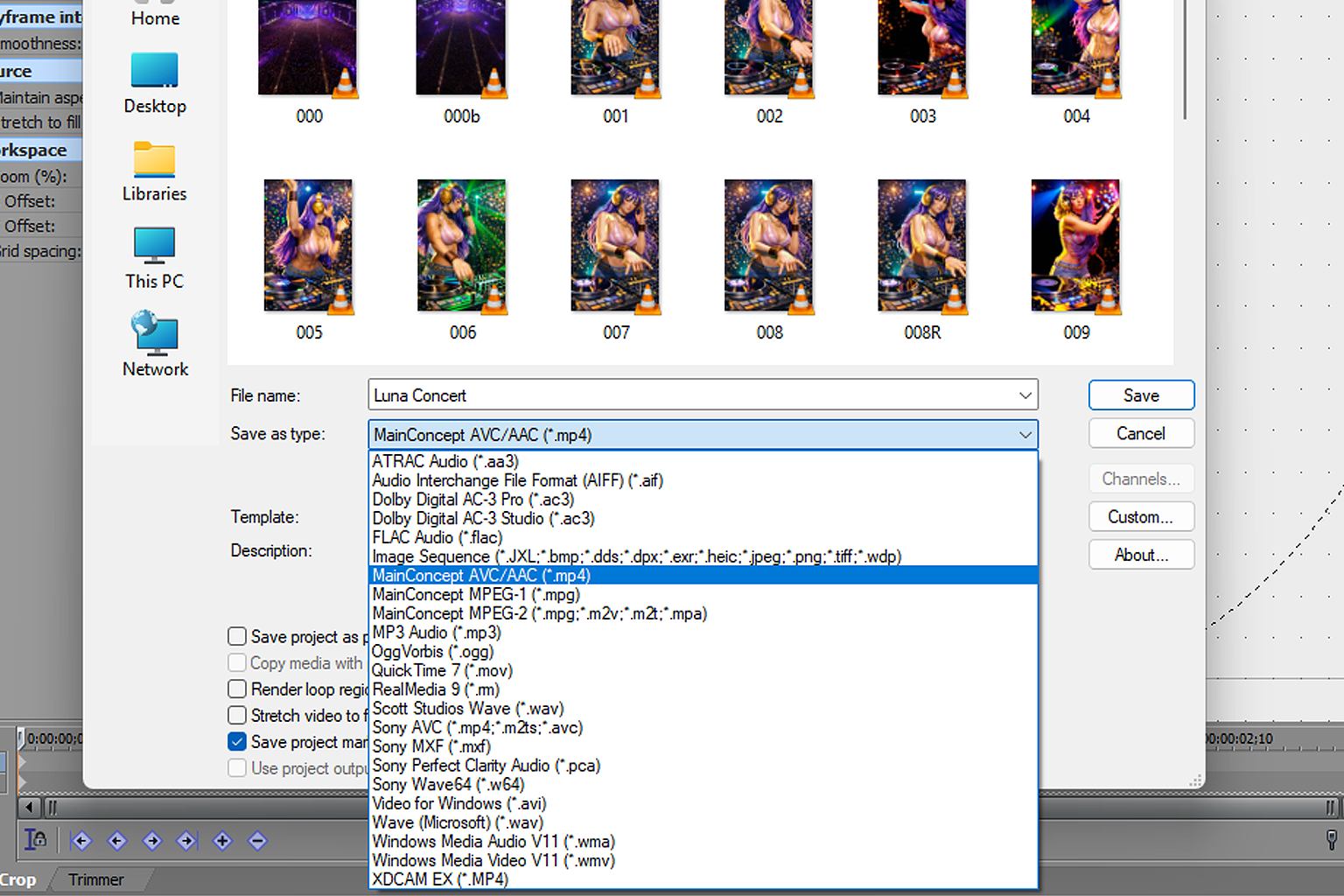
The software is called Sony Vegas Pro 10, so I picked Sony AVC to render 16:9 videos as MP4. That is about it.
However, this codec constantly returns an error with portrait videos, at least in Vegas Pro 10, while MainConcept AVC works. My only “Custom” adjustment is applying the “Custom Frame Size” and increasing the “Bitrate” to 50,000,000 bps, which produces larger files but consistently gives better quality.
Conclusion
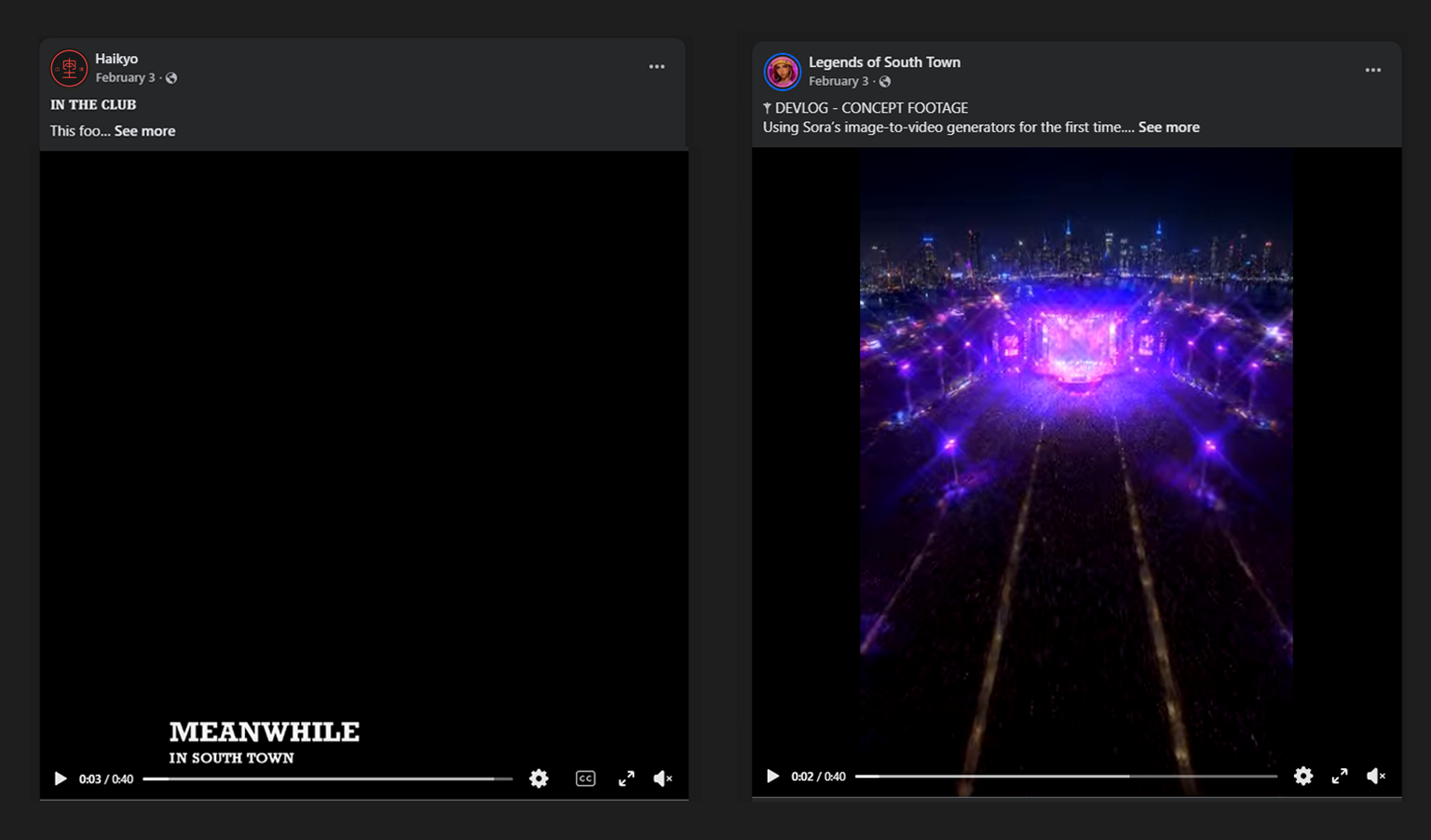
The original video was published on the Legend of South Town Facebook Page, previously known as “Haikyo”, on 3 February 2026, the day it was completed.
Luna Saengchang did not appear on the page again until 16 July 2026, when I resumed creative work involving her, which also meant giving the old video a minor update. Previously, the scene started with the caption “Meanwhile in South Town”, while the updated version begins with an aerial shot of a stadium at night, gradually zooming towards the stage.